TD Bank mobile deposit limits: what the app and account rules control
TD Bank offers mobile check deposit for eligible accounts, but its public consumer pages do not publish one universal dollar limit for every customer. Availability and account-specific restrictions are separate issues.

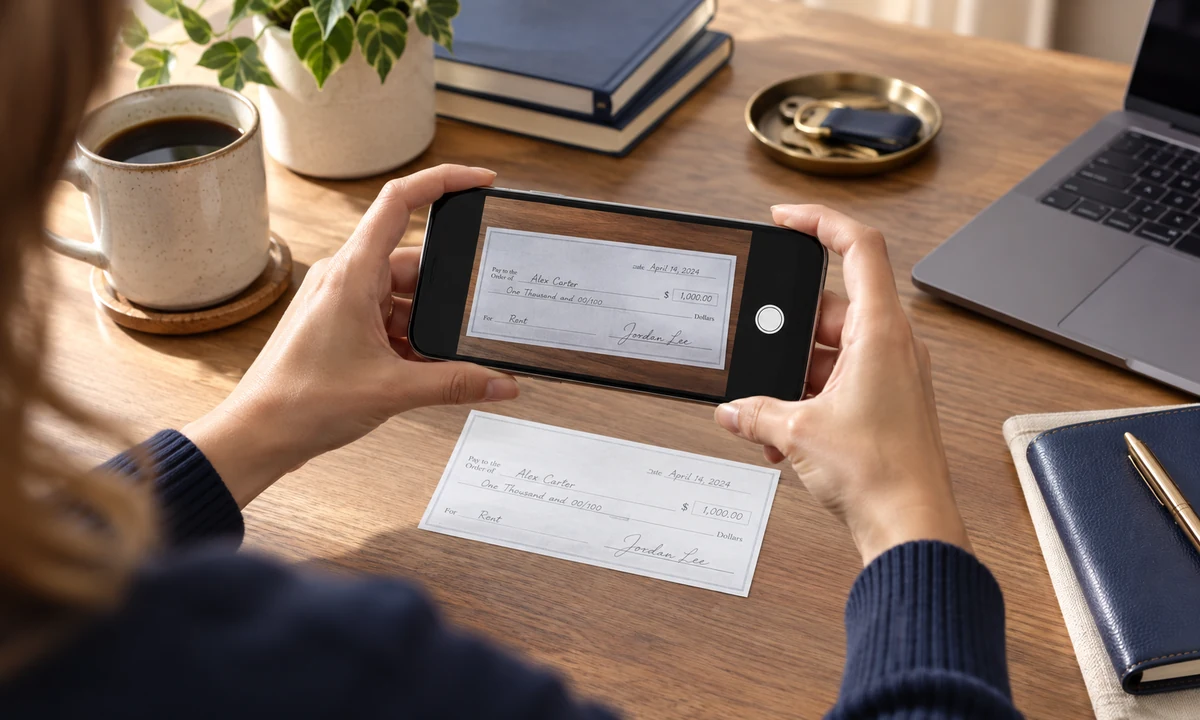
TD Bank offers mobile check deposit for eligible accounts, but its public consumer pages do not publish one universal dollar limit for every customer. Availability and account-specific restrictions are separate issues.
Key takeaways
- TD Bank does not present one public mobile-deposit dollar cap that safely applies to every consumer account.
- Mobile-deposit eligibility and restrictions depend on the account and service terms.
- TD says mobile checks submitted before the cutoff are generally available the next business day, subject to holds.
- New accounts and large or higher-risk checks can have different availability.
What you need to know
TD Bank offers mobile check deposit for eligible accounts, but its public consumer pages do not publish one universal dollar limit for every customer. Availability and account-specific restrictions are separate issues.
More TD Bank money answers
These related answers cover fees, transfer limits and availability rules that can change the real cost or timing of a transaction.
The deposit limit and the funds-availability rule are not the same thing
A mobile-deposit limit answers how much TD will let you submit through the app. Funds availability answers when you can spend the money after TD accepts the check. Those are different controls, and many online answers confuse them.
TD’s public consumer pages confirm that Mobile Deposit is available to customers with eligible checking, savings or money market accounts, but they direct customers to the Mobile Deposit Addendum for service restrictions rather than publishing one universal consumer dollar cap on the main page.
What TD publishes about mobile-check availability
TD’s deposit cutoff page says mobile checks submitted by 8 p.m. Eastern Time on a business day are generally available in full the next business day, subject to exceptions and holds. Deposits after the cutoff effectively move to the next processing day.
A new account can follow a different availability schedule. TD also explains that longer holds can apply to unusually large deposits or accounts that require additional protection. The amount shown as deposited is therefore not always the same as the amount immediately available to spend.
How to find the limit that applies to your TD account
Use the TD app and the current Mobile Deposit terms for your account. If the app rejects an amount or displays an account-specific limit, that live information is more useful than a third-party table. For unusually large checks, a branch deposit may be more practical even when mobile deposit is available.
TD publicly lists special Private Client mobile-deposit allowances that are much higher than ordinary consumer expectations, which is another reason not to assume that one number applies to every relationship.
How to avoid a failed or delayed mobile deposit
Endorse the check exactly as TD requires, photograph it on a flat dark surface and make sure all corners are visible. Keep the original check until the deposit has cleared and you are confident it will not be returned. Do not deposit the same check through another channel while the mobile deposit is processing.
If the money is needed for a time-sensitive payment, check the available balance rather than relying on the fact that the deposit was accepted. A hold can remain even after the app confirms submission.
Frequently asked questions
Priya Nair
Priya writes about the quiet mechanics of saving and depositing money. She focuses on mobile deposits, holds, availability and the practical steps that help people know when money is actually usable.