PNC mobile deposit limit: where to see your daily and monthly limits
PNC confirms that mobile deposits have daily and monthly limits, but the bank directs customers to the PNC Mobile app for the exact amounts that apply to their account.

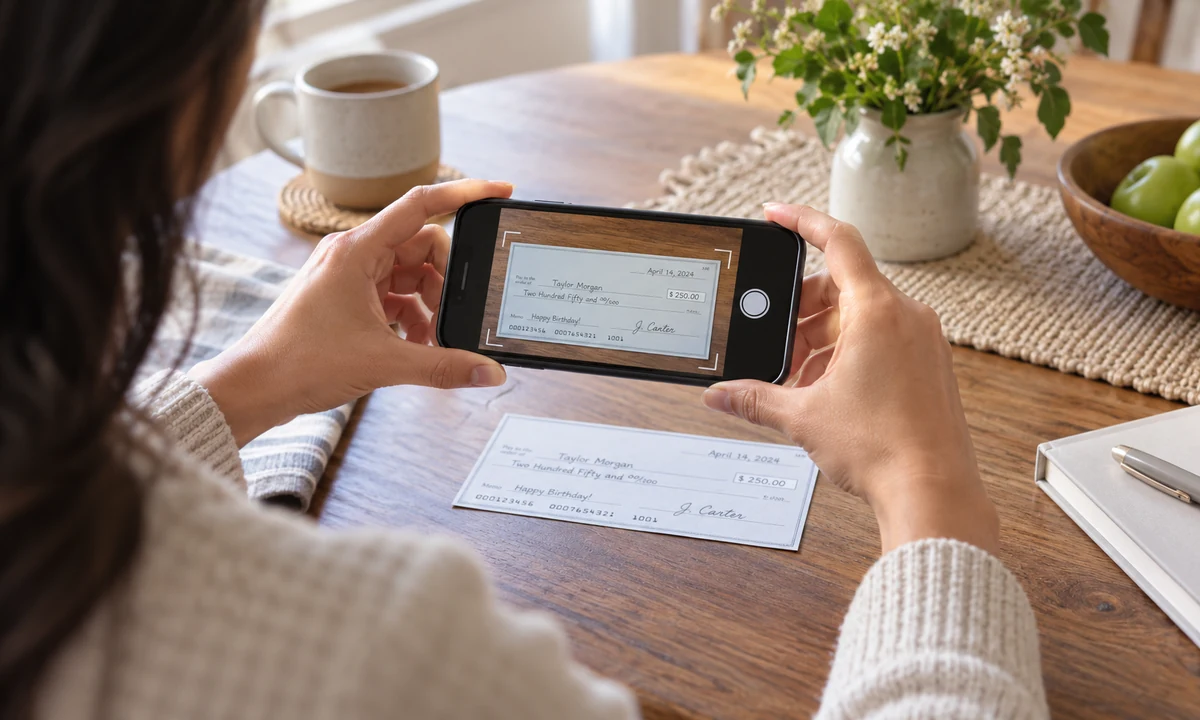
PNC confirms that mobile deposits have daily and monthly limits, but the bank directs customers to the PNC Mobile app for the exact amounts that apply to their account.
Key takeaways
- PNC does not give one public mobile-deposit number for every customer.
- Your daily and monthly limits are displayed inside the PNC Mobile app.
- Checks must be properly endorsed for PNC Mobile Deposit.
- PNC advises keeping the original check securely for at least two weeks after deposit.
What you need to know
PNC says daily and monthly limits apply to Mobile Deposit. To see your own limits, sign in to the PNC Mobile app and select Deposit. The bank also requires proper endorsement, including the wording “For PNC Mobile Deposit Only” below your signature.
More PNC Bank money answers
These related answers cover fees, transfer limits and availability rules that can change the real cost or timing of a transaction.
How to find your PNC mobile deposit limit
PNC’s own customer-service page says there are daily and monthly limits for Mobile Deposit. Instead of publishing one number for every customer, PNC directs you to the app: sign in, select Deposit and review the limits shown for the account.
That approach matters because a limit can depend on the account relationship or the bank’s current controls. A number copied from another customer’s screen should not be treated as your limit.
The endorsement rule is easy to miss
PNC instructs customers to sign the back of the check and write “For PNC Mobile Deposit Only” below the signature. A correct endorsement can prevent a simple mobile-deposit attempt from failing before the bank even evaluates availability.
Take the photos in good light, keep the check flat and make sure the full check is visible. PNC specifically warns that shadows, dirty camera lenses and poor lighting can reduce image quality.
A deposit limit is not the same as funds availability
Being allowed to submit a check does not mean the entire amount becomes spendable immediately. Deposit acceptance, deposit limits and funds availability are separate questions. A bank can accept the image and still place a hold under its availability rules.
If you need the money for a time-sensitive payment, look at the availability information shown after the deposit rather than assuming that a successful photo means immediate access.
What to do if PNC Mobile Deposit fails
PNC advises checking Recent Transactions to see whether the deposit is pending. If it is not pending and the app rejected the deposit, the bank says you may need to take the check to a PNC branch for assistance.
After a successful mobile deposit, PNC recommends keeping the original check in a secure place for at least two weeks. Once you have confirmed that the deposit has been credited, destroy the paper check so it cannot be accidentally deposited again.
How to plan around a large check
If the check is larger than the mobile limit shown in your PNC app, do not split or alter the check to force it through. Use a branch or another deposit method that PNC supports for the amount. For a time-sensitive check, also ask when the funds are expected to become available, because a higher deposit amount can be accepted while still being subject to a hold. The limit answers “can I submit this by phone?”; availability answers “when can I actually spend it?”
Frequently asked questions
Ethan Park
Ethan covers mobile banking, app-based deposits and digital account tools, with a focus on what customers can actually verify on screen.